Words in
Five steps from a sentence to a board you can order. One source file per board, and every result measured.
Describe
Type the board the way you'd brief an engineer: parts, functions, constraints. In review mode the agent shows its plan and waits for your yes.
- Group the regulator with its input and output capacitors
- Recheck spacing against the JLCPCB rules
- Route copper, then run fabrication readiness
The plan waits for your decision: approve, revise or reject
Schematic draws itself
tscircuit's layout engine places symbols and draws wires from your zones. No coordinates and no dragging: sections in, a readable sheet out.
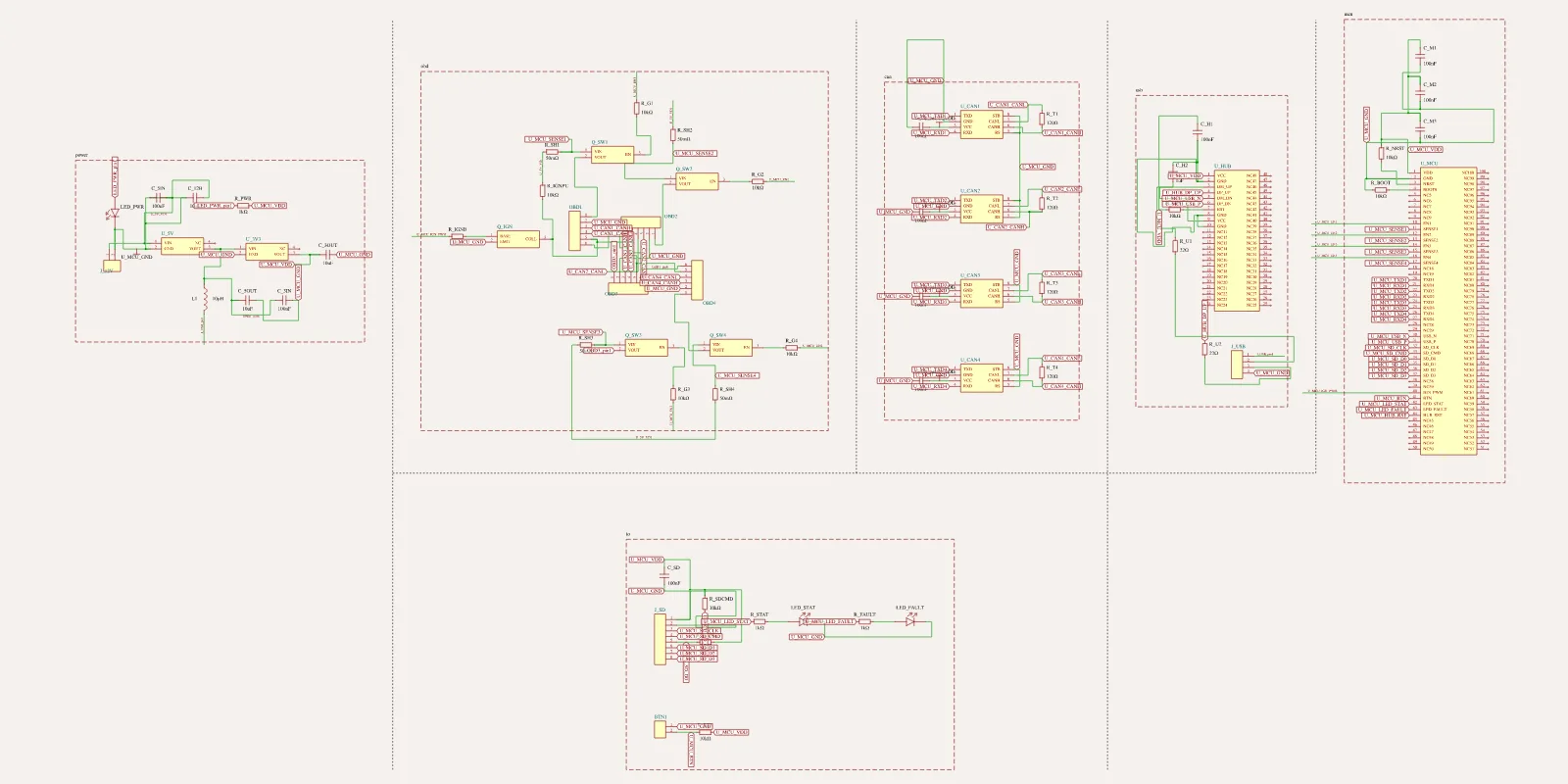
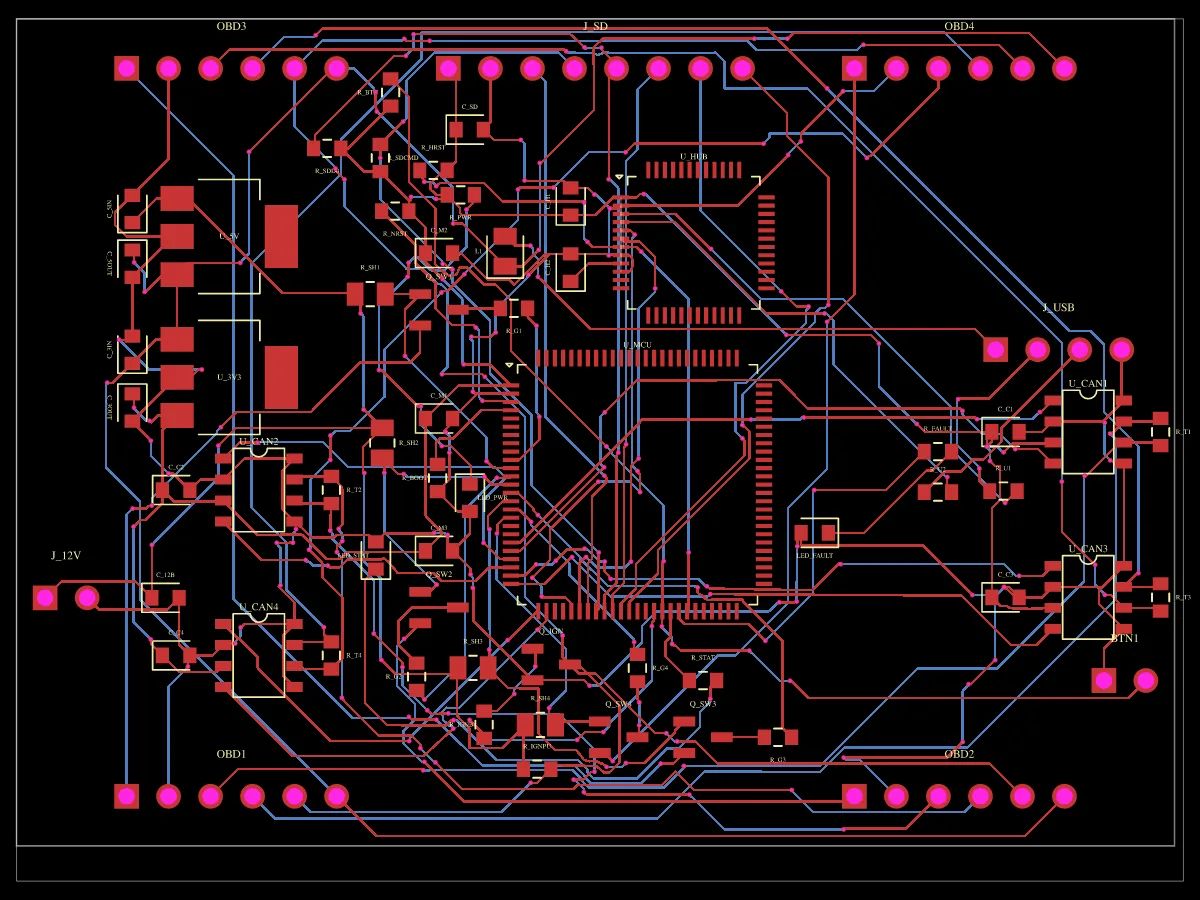
PCB places and routes
Every footprint is placed to JLCPCB spacing and every net is routed. Overlaps, clearances and unconnected pins are measured on every build.
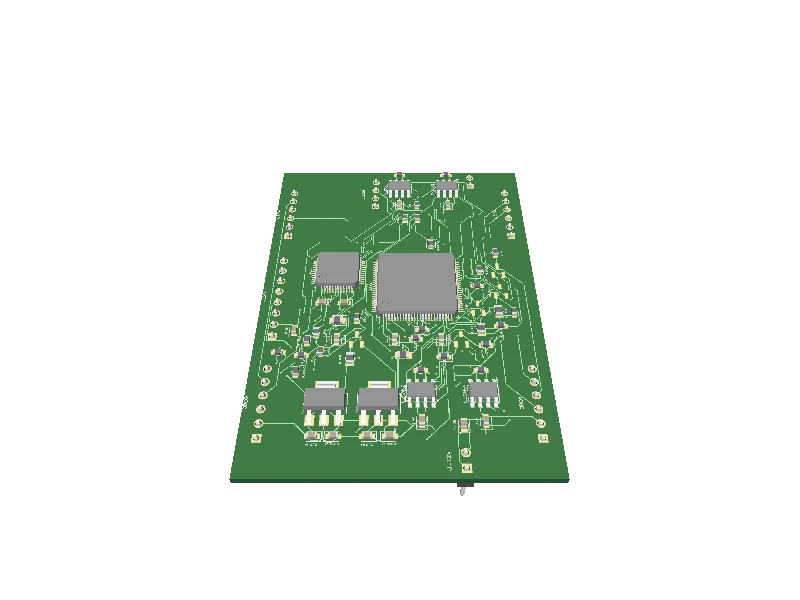
It stands up
The same circuit data renders in 3D at once. Rotate it, check part heights and clearances, keep going.
Factory-ready
Gerbers, drill files, a BOM with real JLCPCB part numbers, pick-and-place and a full KiCad project, checked for fabrication readiness first.
board.kicad_sch · board.kicad_pcb · BOM.csv · CPL.csv · gerbers