 Backed by tscircuit
Circuit design at thespeed of thought
Describe the board. The schematic draws itself, parts place themselves and copper routes itself. You approve, verify and order.
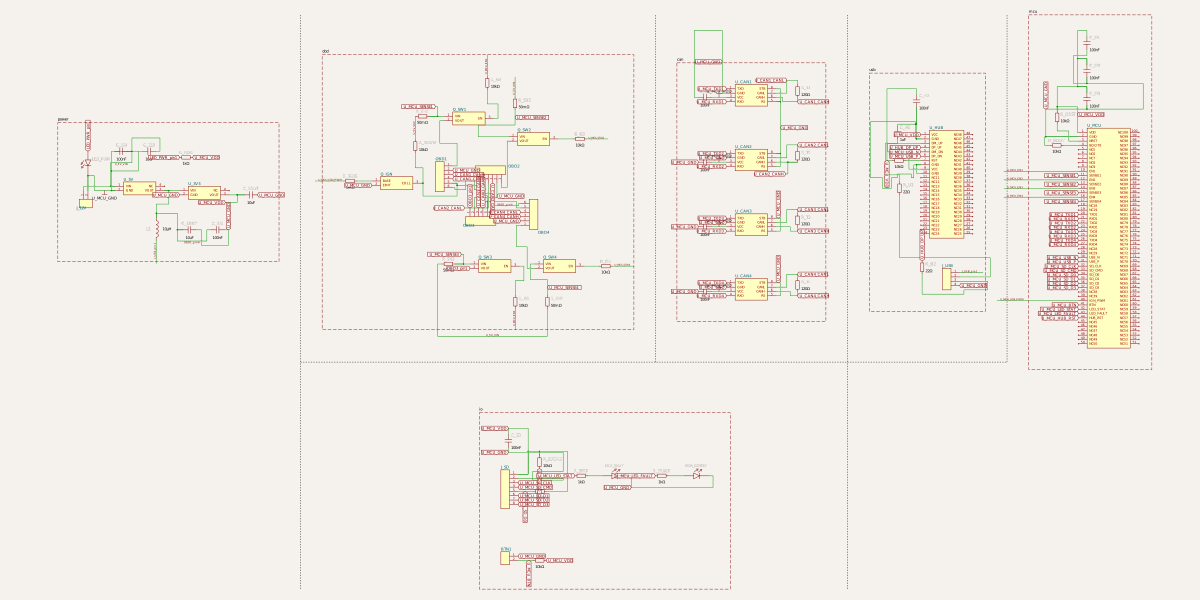
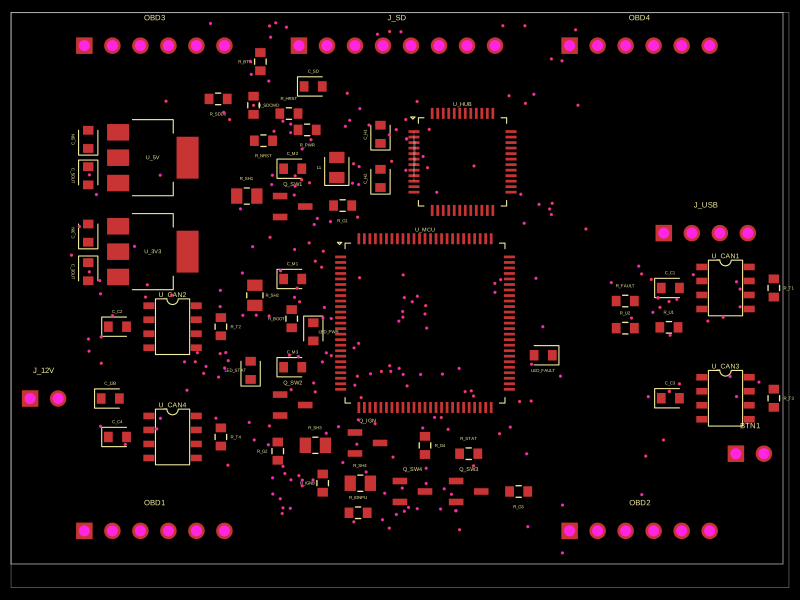
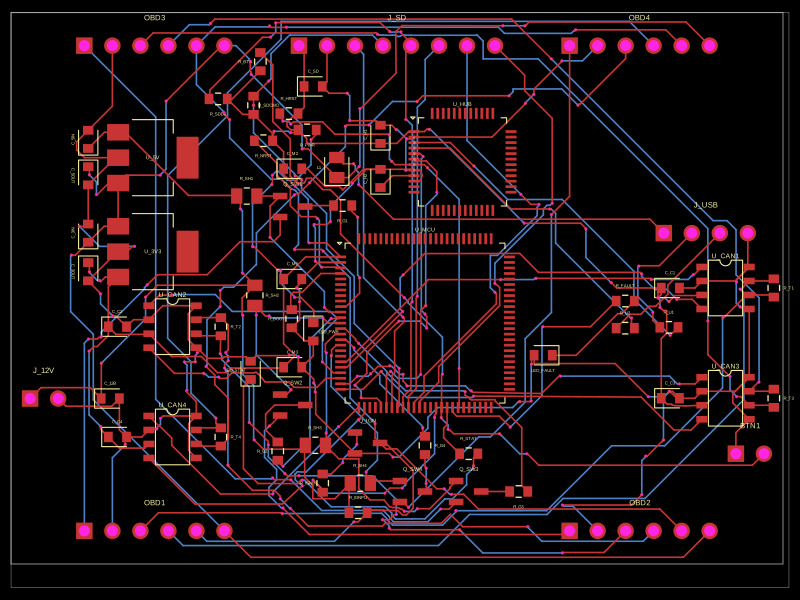
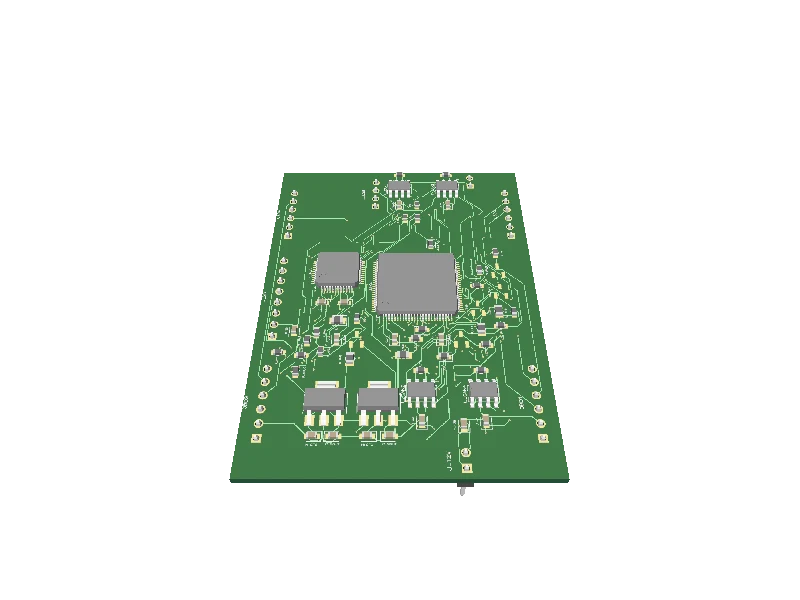
Words in. Boards out.
Six stages from a sentence to a board you can order, in one conversation, with no cockpit to learn. You decide at the start; the engines do the rest and measure what they did.
You describe, it plans. Brief it like an engineer: parts, functions, constraints. In review mode the plan waits for your approve, revise or reject.
Move the regulator next to its capacitors and reroute the power zone.
- Group the regulator with its input and output capacitors
- Recheck spacing against the JLCPCB rules
- Route copper, then run fabrication readiness
Describe. Approve. Manufacture.
The model directs; deterministic engines draw, place and route. What reaches you is counted, not claimed.
Describe
You set the intent.
Brief it in plain English. The agent answers with a plan in readable steps before it touches the board.
The plan comes first
Approve
Nothing lands without your yes.
In review mode every edit arrives as a draft. Apply it, revise it or throw it away.
Drafts, never silent edits
Manufacture
What you approved is what ships.
Gerbers, BOM, pick-and-place and KiCad are written from the same saved build you reviewed.
One build behind every file
Your keys, your bill.
No credits and no per-click meter. Bring a model key from any provider; the bench runs on it and you pay them directly.
Bench
The full studio and agent, for one person.
- Unlimited boards
- Schematic, PCB, 3D, readiness
- Gerbers, BOM, CPL, KiCad
- Live JLCPCB stock
Studio
Shared boards and conversations for a team.
- Everything in Bench
- Team boards and shared threads
- Priority support
Enterprise
The bench in your own cloud.
- Self-hosted
- SSO and audit trail
- Security review and SLA
Questions, answered.
Can AI really design a PCB end to end?
How is fluxboards different from other AI PCB design tools?
How does this fit my KiCad workflow?
Is the BOM really orderable at JLCPCB?
Do I need to learn prompting?
Who owns my designs? Are my keys safe?
- Figures measured on a 4× OBD-CAN gateway board: 162 of 162 nets routed, 0 DRC errors.
- KiCad exports are re-read after export, so every part and net is confirmed present.
- Signed-in boards and chats are never used for training.